Quick Start
Get started with FWURL in just a few minutes. This guide will walk you through creating your first short link using the Quick Create feature.
Step 1: Sign Up
Visit fwurl.com and create your free account.
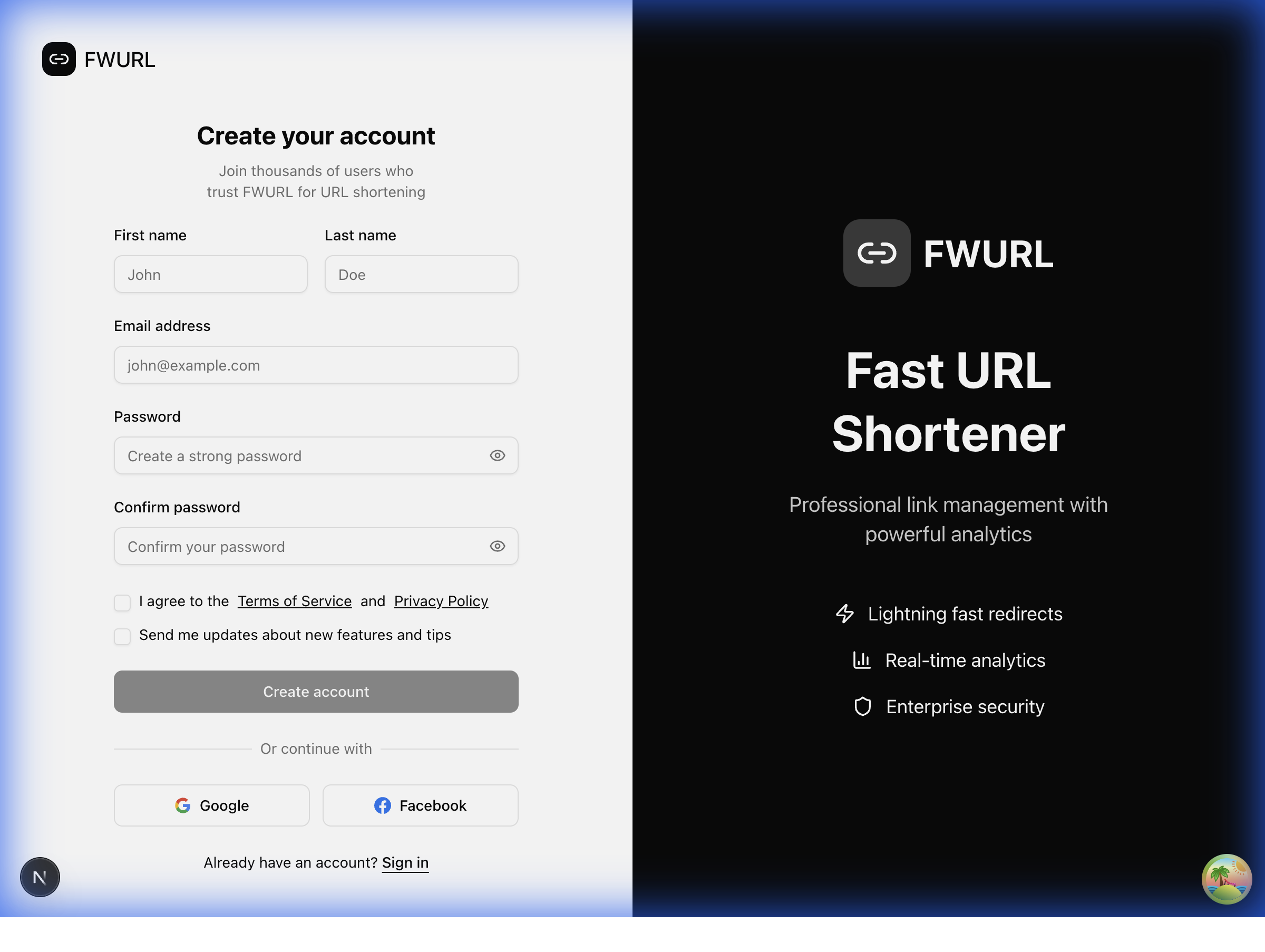
- Click Get Started or Register in the navigation
- Click Continue with Google for the fastest signup
- Authorize FWURL to access your Google account
- You'll be automatically redirected to your dashboard
Tip: You can also sign up with email and password if you prefer.
Step 2: Access Your Dashboard
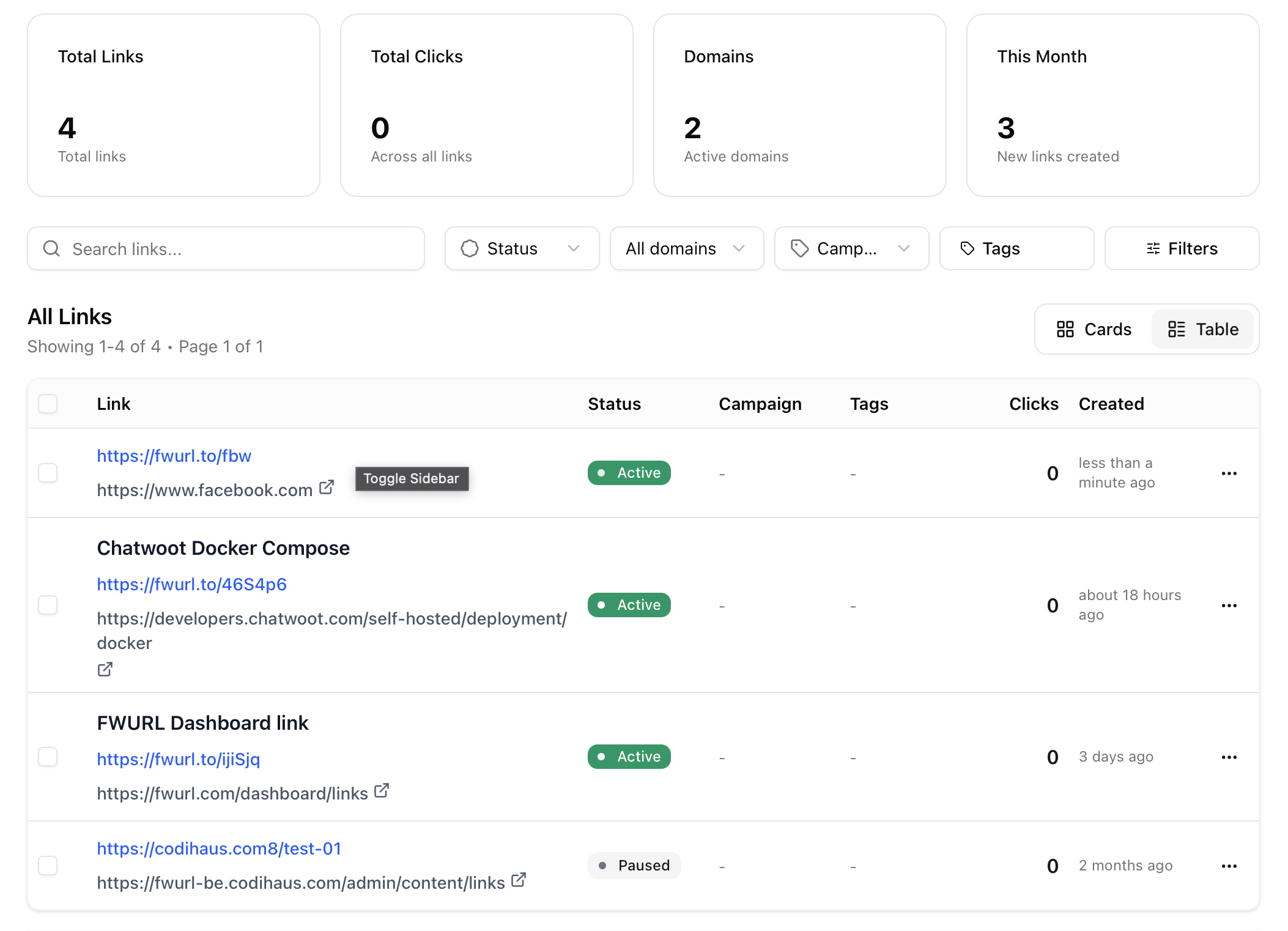
After signing up, you'll land on your dashboard where you can manage all your links.
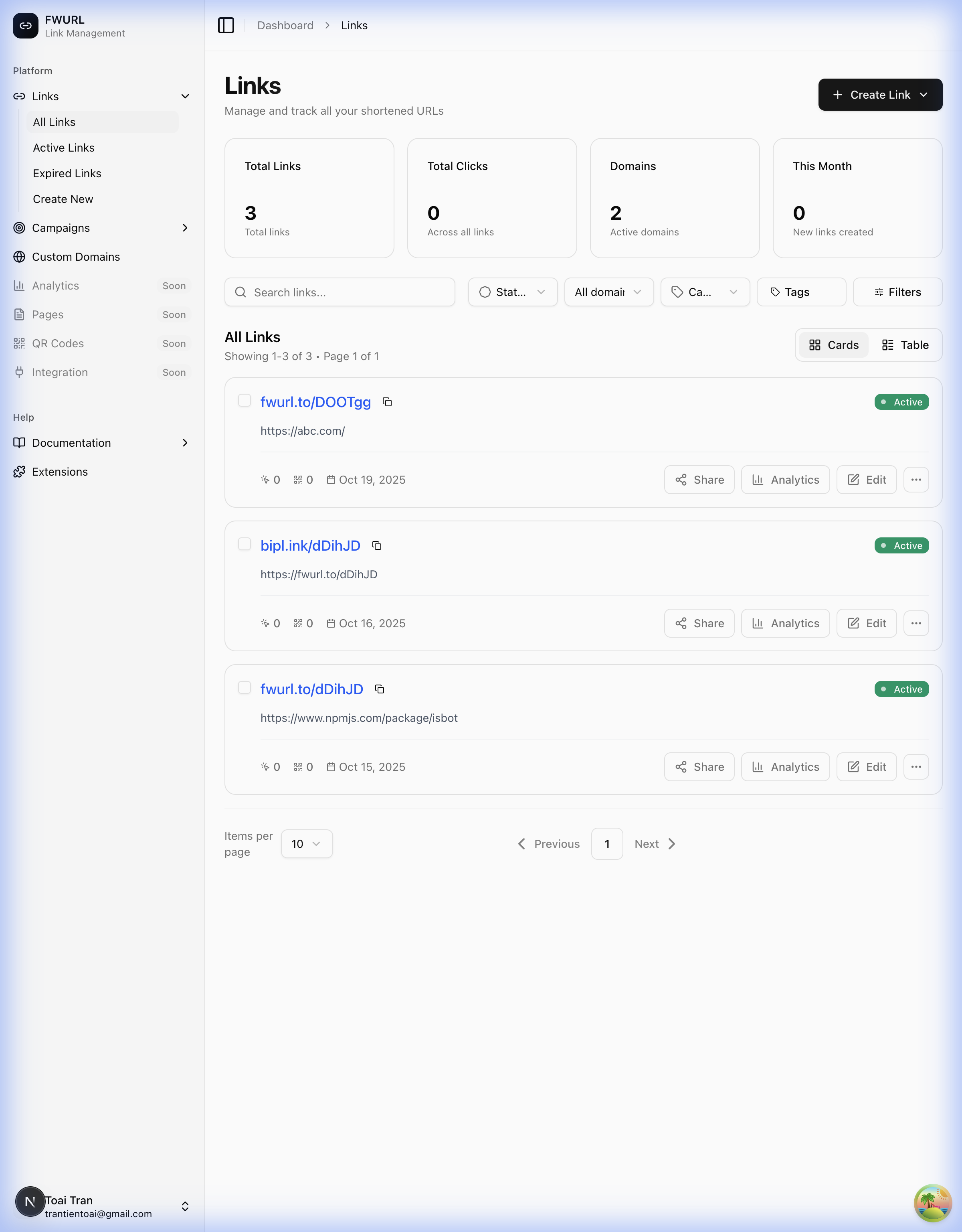
Your dashboard shows:
- Total Links - Number of links you've created
- Total Clicks - Aggregate clicks across all links
- Domains - Custom domains you've configured
- Links List - All your shortened links with quick actions
Step 3: Create Your First Link (Quick Create)
The fastest way to create a link is using Quick Create:
Open Quick Create
Click the Create Link button in the top right, then select Quick Create from the dropdown.
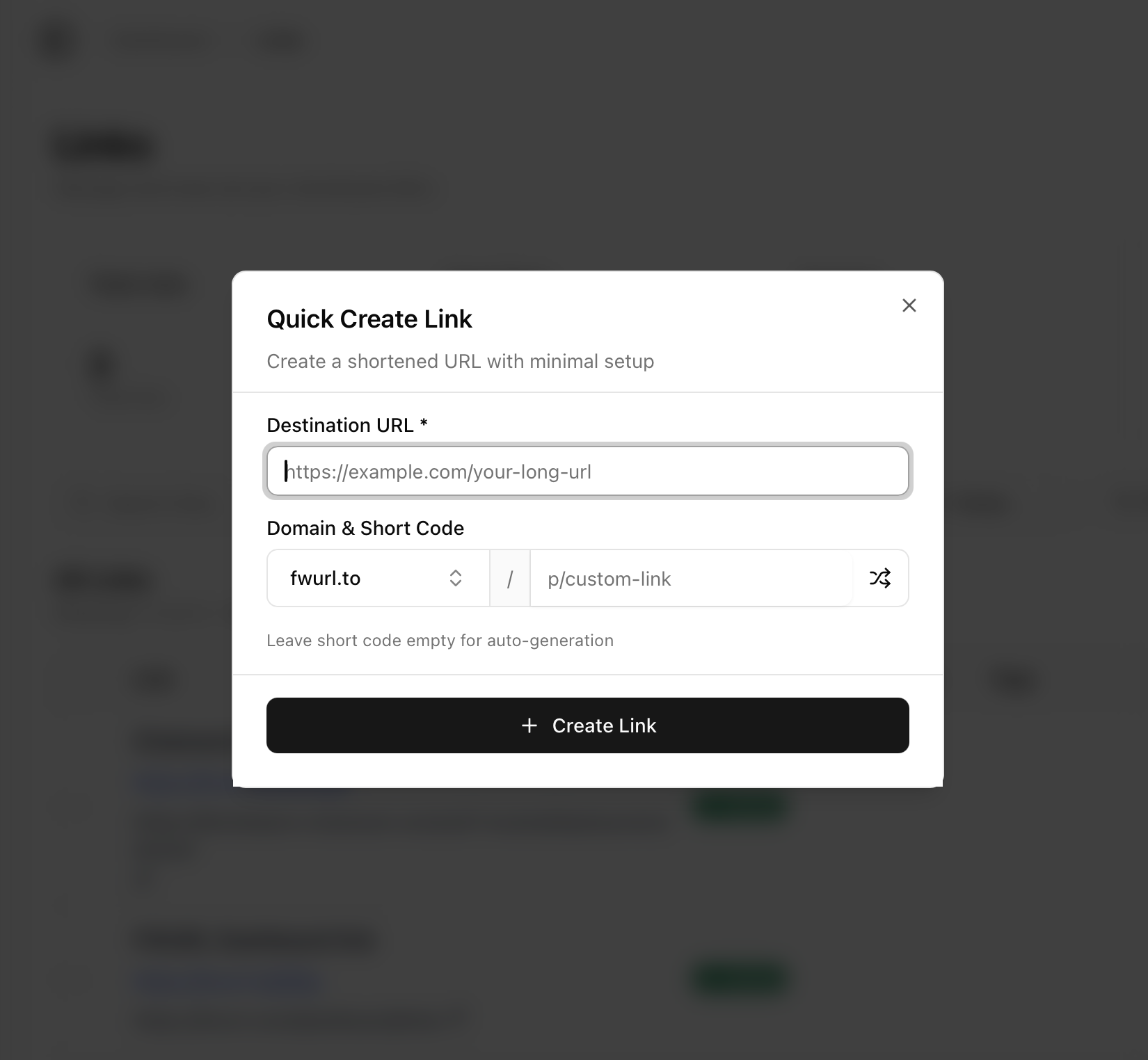
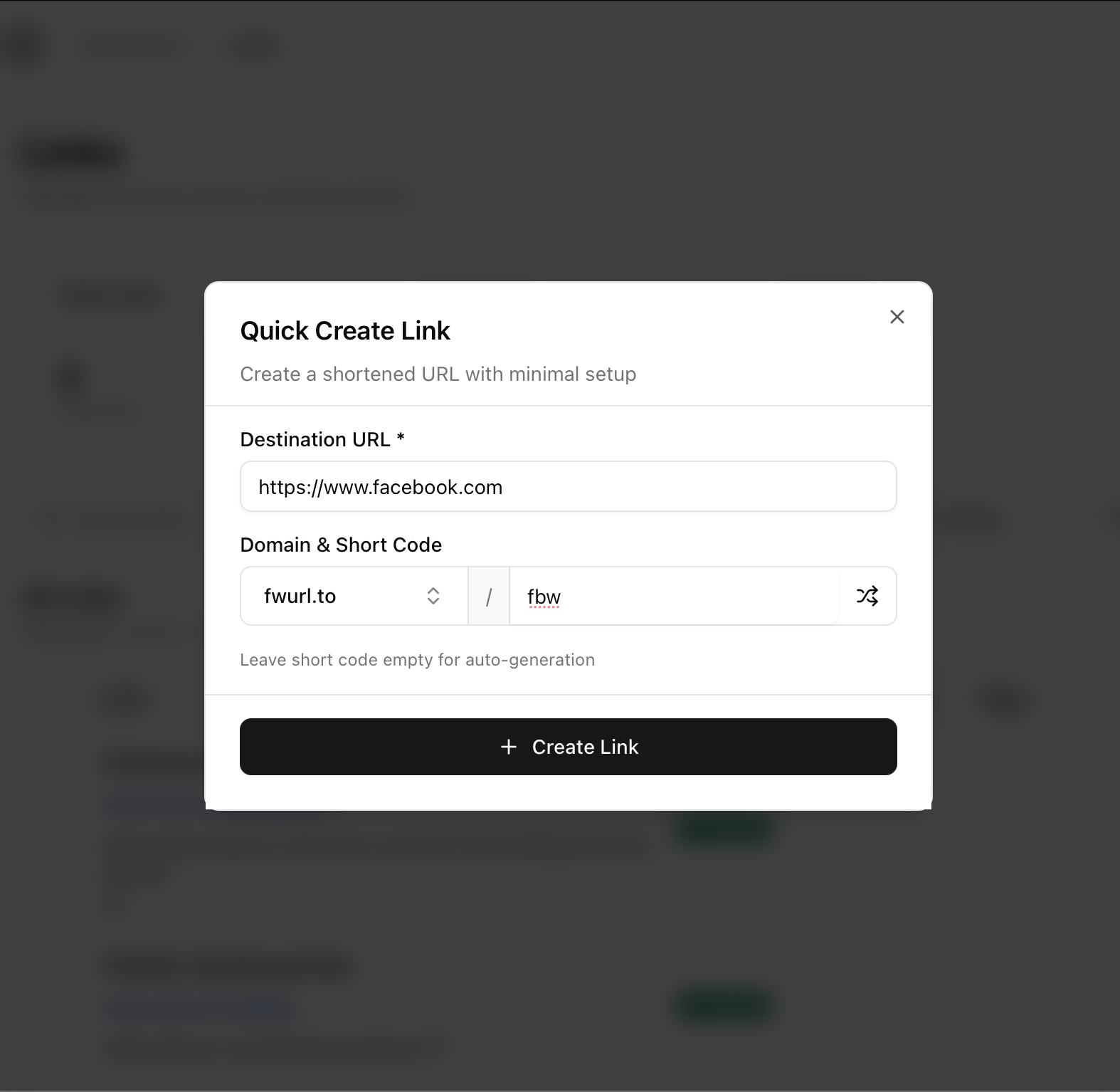
Enter Your URL
- Paste your long URL into the Destination URL field
- Optionally customize the short link alias
- Click Create Link
Your Link is Ready!
Your short link is now created! You can:
- Copy the short link to your clipboard
- View QR Code for the link
- Share directly to social media
- View Analytics to track performance
What's Next?
Now that you've created your first link, explore more features:
Advanced Link Creation
Use the advanced editor to configure geo-targeting, device targeting, link scheduling, and more.
Track Performance
Monitor clicks, geographic data, devices, and referrers for your links.
Organize with Campaigns
Group related links into campaigns for better organization and tracking.
Add Custom Domains
Use your own branded domain for short links to build trust and brand recognition.
Free Plan Features
Your free account includes:
- 50 links per month
- 100% Ad-free experience
- Sub-100ms redirect times
- Basic analytics
- QR code generation
- Link expiration
- Password protection
Need More?
Ready to unlock advanced features? View our pricing plans to access:
- Unlimited links
- Custom domains
- Advanced analytics
- Geo-targeting
- Device targeting
- Team collaboration
- API access
- Priority support
Questions? Check out our detailed documentation or contact support.